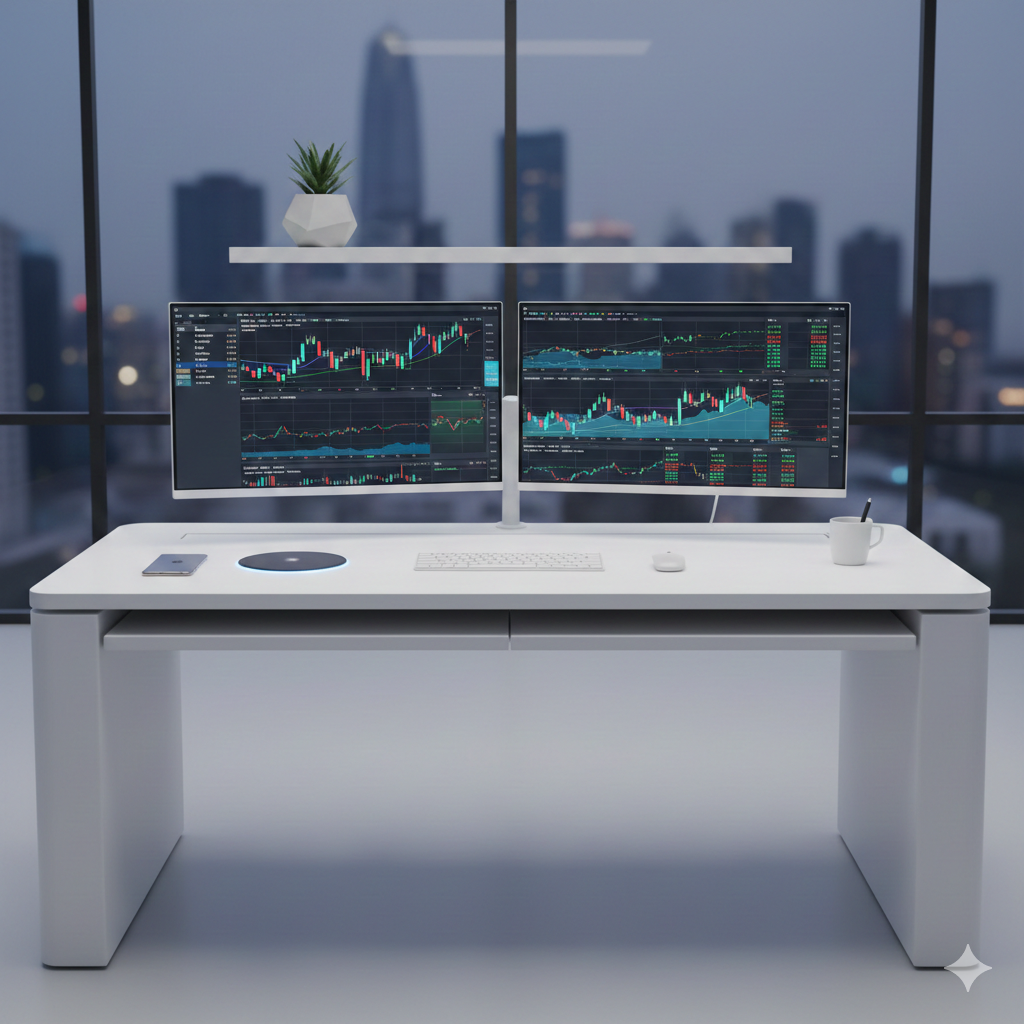
You don’t need a ₹2 Lakh ($2,000) gaming supercomputer to trade stocks effectively. If you are looking to build the Best Budget Trading PC 2026 has to offer, the secret isn’t in raw power—it’s about smart power.
Whether you are scalping Nifty 50 options or tracking US tech stocks, the “perfect” trading setup isn’t about raw power—it’s about smart power. Most new traders make the mistake of dumping their budget into expensive Graphics Cards (GPUs) that they will never use, while ignoring the one thing that actually matters for charts: RAM and Screen Real Estate.
As an engineer and a trader, I have built systems that can handle 20+ Chrome tabs, Thinkorswim, and Zerodha simultaneously without a single stutter—all for a fraction of the cost of a pre-built PC.
In this guide, I’ll show you exactly how to build a lag-free Trading Station that focuses on reliability and speed. No fluff, no wasted money—just the parts you actually need to execute trades instantly.
Let’s build your command center.
At a Glance: The 2026 Strategy
Est. Total: ₹1.1L (Full)Best Budget Trading PC 2026: The ‘Smart’ Parts List
Building a PC in 2026 requires a different strategy than in 2024 or 2025. With SSD and RAM prices up nearly 20-50% globally due to shortages, blindly buying “popular” parts will blow your budget instantly.
Here is exactly where you should spend money for trading performance, and more importantly, where you can save massive amounts to offset the current inflation.
1. The Processor (CPU): Single-Core Speed is King
The 2026 Reality: Trading terminals (like Thinkorswim or Zerodha) rely heavily on “Single-Core Performance” to execute orders instantly. They do not need 24 cores like a video editing workstation.
My Top Pick: Intel Core i5-13500 or AMD Ryzen 5 7600.
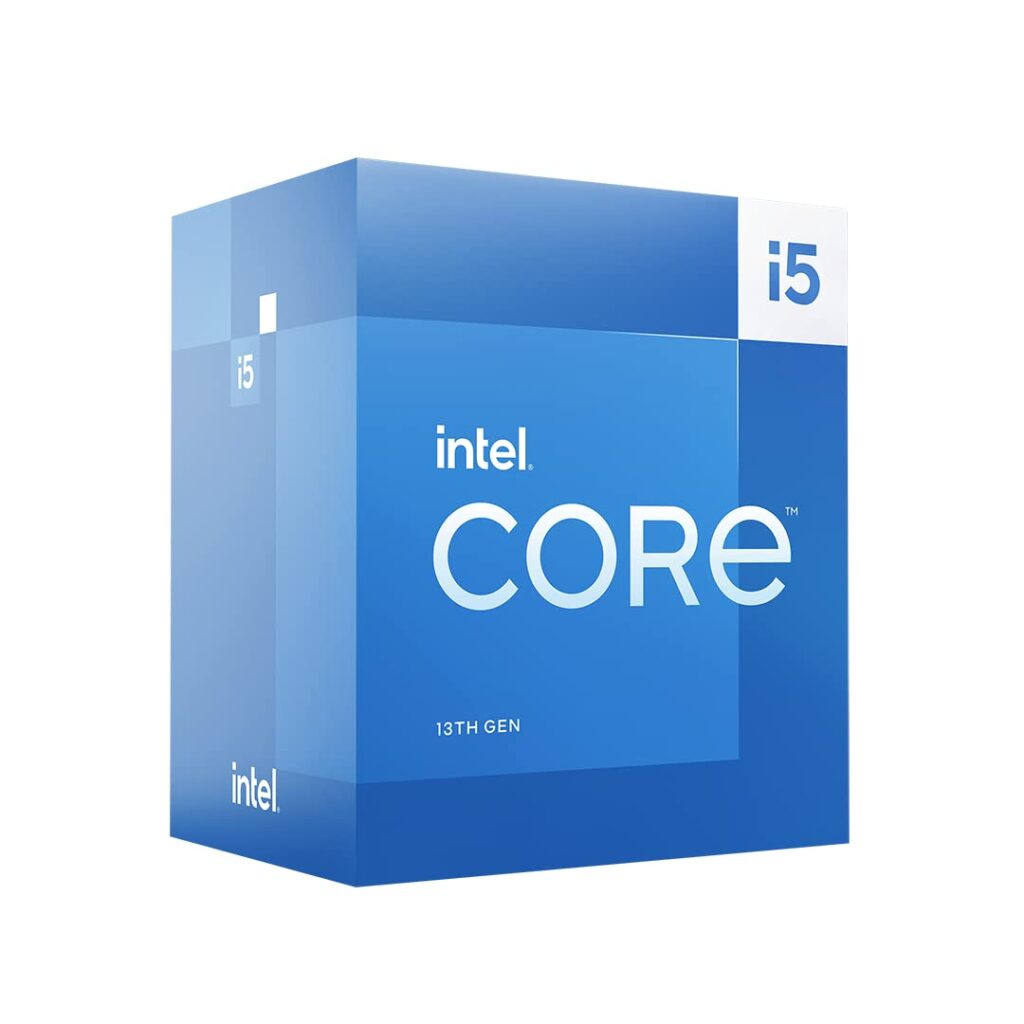
Why: These chips are the price-to-performance sweet spot. The i5-13500 gives you plenty of multi-tasking power for background apps without the premium price of an i7 or i9.
The “Smart” Saving: Avoid the “K” series (like i5-13600K) if you aren’t overclocking. You save money on the CPU and the cooling fan.
2. RAM: The New “Minimum” (Don’t Skimp Here)
The 2026 Reality: RAM prices have climbed, but modern browsers and trading apps have become hungrier. Running 4 charts on TradingView + a news feed + a broker app now easily consumes 12GB–14GB of memory.
My Recommendation: 32GB DDR5 (2x16GB) – 5200MHz or 6000MHz.
The “Smart” Saving: Do not buy “RGB” (light-up) RAM. It often costs 15-20% more for zero performance gain. Look for “Value” kits like Crucial Pro or G.Skill Ripjaws S5 (non-RGB).
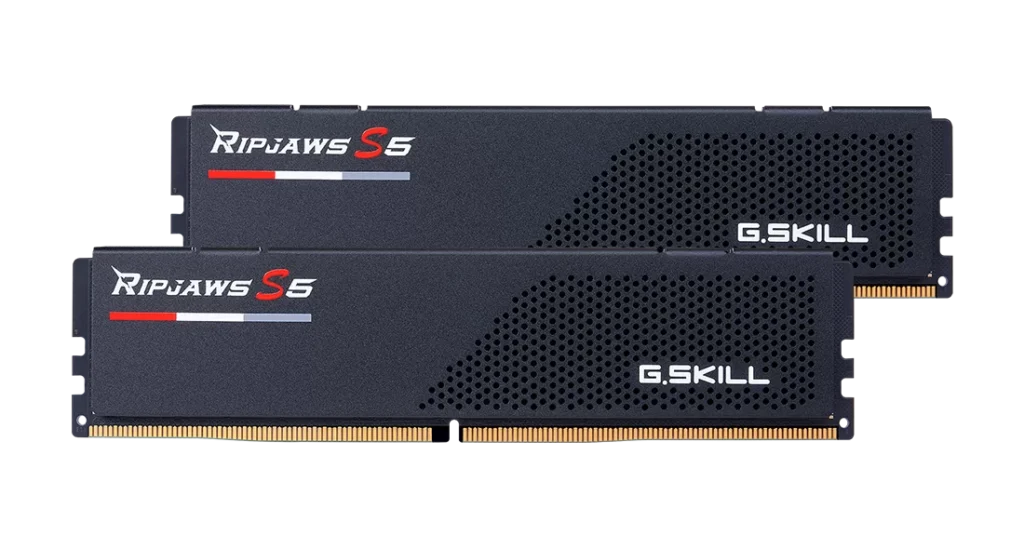
Warning: 16GB is the old standard. In 2026, 16GB is barely enough. If you max out your RAM, your charts will freeze. 32GB is the safety net you need.
3. Storage: The 2026 Inventory Crisis
The Hard Truth: If you are looking for a ₹5,000 SSD, stop looking. They are gone. Due to a massive global shortage in 2026, SSD inventory on Amazon India has collapsed. Most standard drives are out of stock, and the few remaining premium models have tripled in price.
You have two choices: Wait 6 months for prices to drop (and not trade), or bite the bullet and buy what is available today.
Here are the only four reliable drives currently in stock, ranked by value:
Option A: The “Cheapest” Available (Crucial P3 Plus)
Price: ~₹18,000
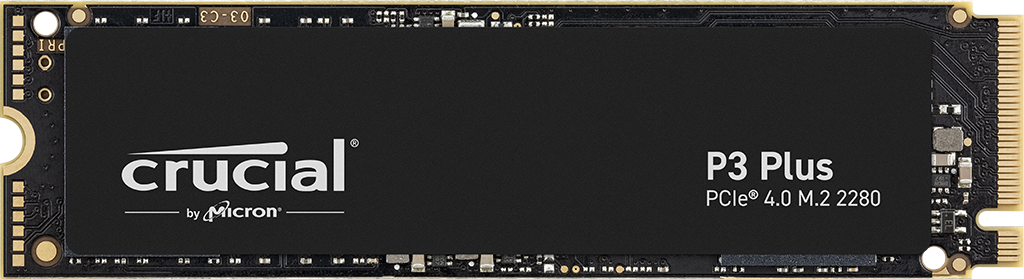
The Verdict: In a normal market, this is a budget drive. Today, it is the only option under ₹20k. It offers Gen 4 speeds (5000 MB/s) and is reliable enough for trading. If you want to save every rupee possible in this crisis, this is your only choice.
Option B: The “Performance” King (Samsung 990 Pro)
Price: ~₹26,000
The Verdict: If you are already forced to spend ₹18k for a basic drive, spending an extra ₹8k for the best SSD in the world makes sense. The 990 Pro is blistering fast (7450 MB/s), runs cool, and will last you 10 years. It is expensive, but you are getting the Ferrari of storage.
Option C: The Middle Ground (Samsung EVO Plus / WD Blue)
Price: ₹21,000 – ₹23,000
The Verdict: These are currently selling for ₹21,391 (Samsung) and ~₹23,000 (WD Blue). Honestly? At this price point, you are better off stretching for the 990 Pro or saving money with the Crucial. Only buy these if the first two options are sold out.
4. The Graphics Card (GPU): The Biggest Money Saver
The 2026 Reality: Graphics cards are still pricey. The biggest mistake new traders make is thinking they need a gaming card (like an RTX 4060) to run multiple monitors. You don’t.
My Recommendation:
2 Monitors: Use the Integrated Graphics (iGPU) on your CPU. (Make sure you buy a CPU without the “F” suffix, e.g., i5-13500, not i5-13500F).
3-4 Monitors: Buy a used NVIDIA T600 or Quadro P620 from a refurbished market.
The “Smart” Saving: This single decision saves you ₹25,000–₹30,000 ($300+). Charts are 2D static images; they require almost zero graphical power.
5.The “Smart” Power & Case Breakdown
A. The Power Supply: Stability Over Flash
Trading PCs don’t need 1000W units; they need reliability. A 650W Bronze Certified unit is the sweet spot for an i5-13500 build, providing headroom for multiple monitors without wasting electricity.
My Recommendation: Corsair CX or MSI MAG (650W Bronze).
My Recommendation: 650W Bronze Certified Unit (Corsair CX or MSI MAG).
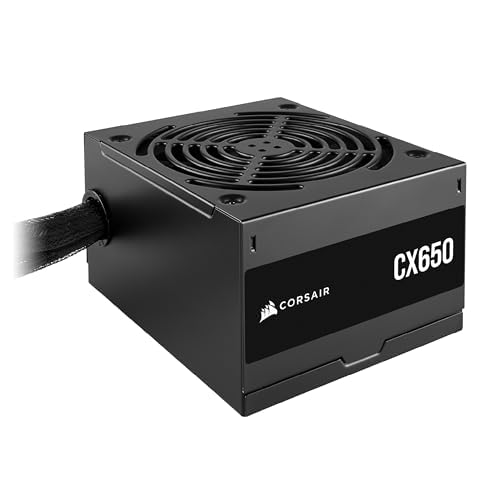
The “Smart” Saving: Avoid expensive 80+ Gold or Titanium 850W or 1000W unit unless you plan to add a massive gaming GPU later. 650W is more than enough headroom for a trading station, keeping your electricity bill lower too.
B. The Case & Cooling: The Airflow Factor
Since you need to factor in Wi-Fi antennas and fans, look for a “Mesh-Front” case. These often come with pre-installed fans, which saves you from buying a separate 3-pack.
My Recommendation: Ant Esports ICE-112 or Deepcool CC560.
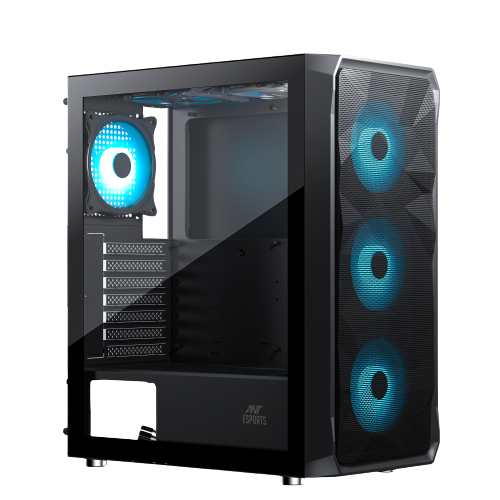
Why: These cases include space for large Wi-Fi antennas and usually come with 3-4 pre-installed fans, keeping your total “Misc” cost under ₹10,000.
The Build & Setup: It’s Just LEGO for Adults
If you are worried about putting these parts together, don’t be. Building a PC in 2026 is standardized. The cables only fit in one direction, and it is almost impossible to plug something in the wrong way without breaking it.
1. The Physical Build (30 Minutes)
The Motherboard: Install the CPU and RAM before you put the motherboard inside the case. It gives you more room to work.
The Storage: Most builders forget the tiny M.2 screw or the heatsink latch. Add a tiny note: “Don’t forget to secure it with the small M.2 screw included with your motherboard!.
Cable Management: This isn’t just for looks. Tying your cables back improves airflow, keeping your PC cool during long trading sessions.
2. The “Smart” Software Setup
Building the hardware is only half the battle. A trading PC needs to be optimized for Low Latency.
Hardwire Your Internet: Hardwire if possible for 100% stability. If you must use Wi-Fi, ensure you use the 6E/7 card we picked to minimize micro-stutters
Debloat Windows: Fresh Windows installs come with “bloatware” (TikTok, Candy Crush, News feeds) that run in the background. Uninstall everything you don’t use. Your CPU should be focused on Nifty charts, not updating a news widget.
Multiple Monitor Alignment: Use the Windows “Display Settings” to align your screens perfectly. If your mouse gets stuck on the edge between screens, it will cost you seconds during a trade execution.
Ready to Build? Your 2026 Checklist
Double-check your cart before hitting ‘Buy’
1. The Core Engine
- ☐ Intel i5-13500 (Preferred)
- ☐ 32GB DDR5 RAM (Min. 5200MHz)
- ☐ 1TB NVMe Gen4 SSD
2. Stability & Misc
- ☐ 650W 80+ Bronze PSU
- ☐ Mesh-Front Cabinet
- ☐ Wi-Fi 6E/7 PCIe Card
- ☐ 3x 120mm PWM Fans
PRO TIP: Use the integrated UHD 770 graphics first. Only add the T600 GPU if you notice lag on 3+ monitors.
Conclusion: Don’t Let Your Tools Be The Excuse
A ₹2 Lakh PC won’t make you a profitable trader. Strategy, discipline, and risk management do that.
But a bad PC—one that freezes when the market spikes or takes 5 minutes to boot—will absolutely cost you money. It adds unnecessary stress to an already stressful job.
By building this “Smart” system, you are getting 95% of the performance of a high-end workstation for 50% of the price. You are saving your budget for what actually matters: your trading capital.
Ready to build? Drop a comment below if you have questions about specific parts or current prices. I reply to everyone!