
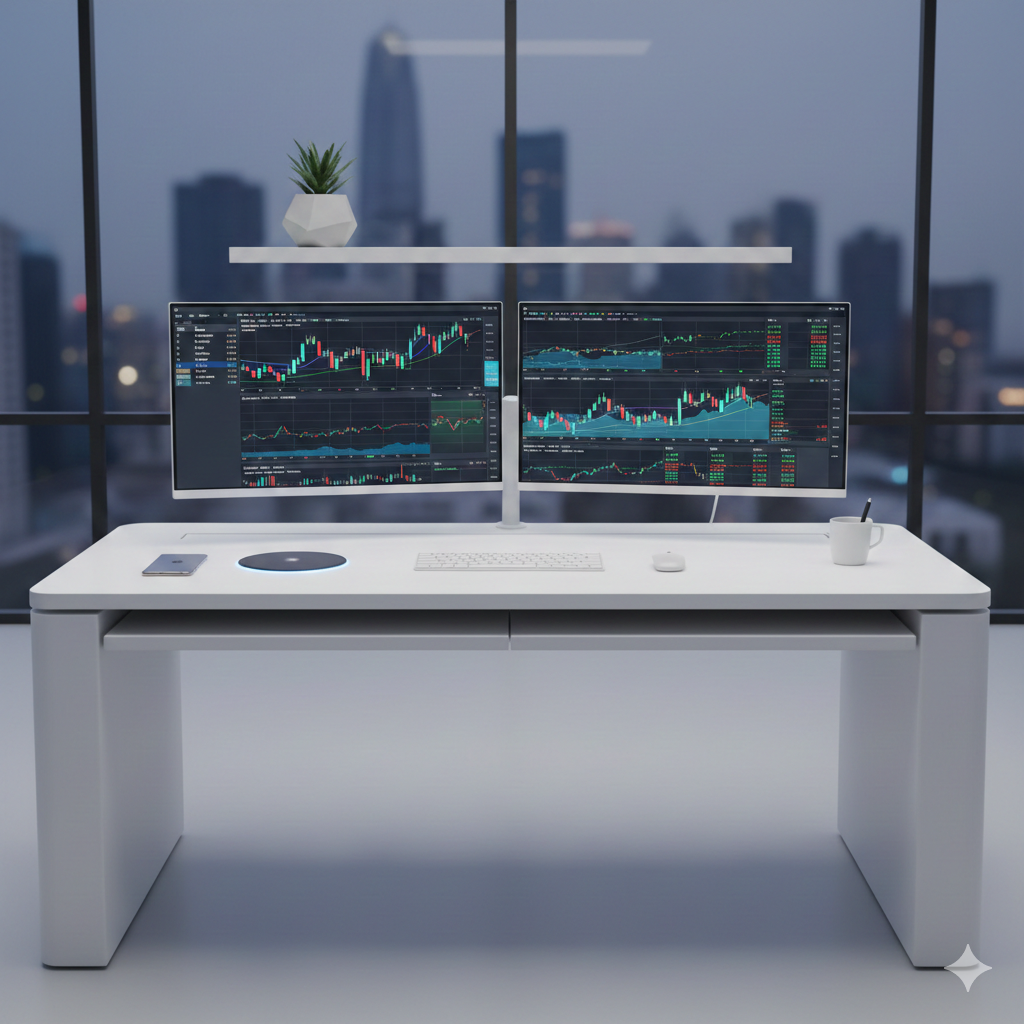
Imagine buying a million-dollar Formula 1 car and filling the tank with low-grade, regular fuel. It’ll run, sure—but you’ll never see the performance you paid for.
That is exactly what you are doing when you plug a high-end trading PC into a cheap office monitor.
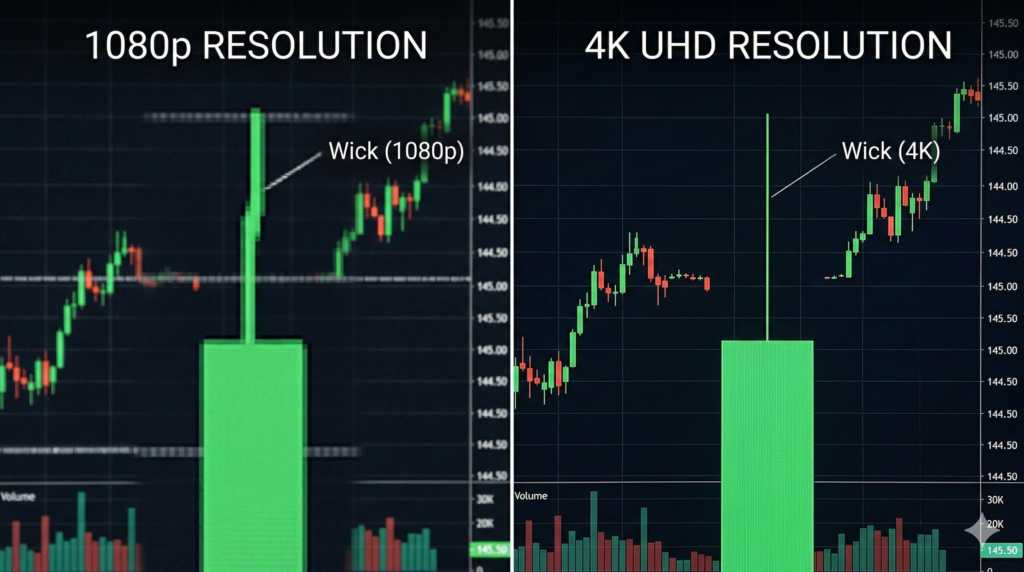
I’ve seen traders spend ₹2 Lakhs on a liquid-cooled PC only to squint at a budget gaming screen because it had a “cool” curved shape or a flashy RGB light on the back. That is a rookie mistake. In the markets, “fast” is useless if you can’t see the price action. You aren’t flicking headshots in a video game; you’re hunting for a 2-pixel divergence in an RSI indicator. If your screen is blurry, your entries will be too.
This guide breaks down the Best Trading Monitors 2026 — no marketing fluff, no RGB nonsense — just what actually improves your trading clarity, focus, and execution.
And yes, some brands are selling hype.
Let’s fix that.
Why Your Monitor Matters More Than You Think
In trading, clarity equals confidence.
You’re not playing Valorant. You’re scanning:
- RSI divergences
- Micro trendlines
- Volume shifts
- Order flow changes
If your screen blurs fine detail, your entries blur too.
Professional traders stare at charts 6–10 hours a day. That means your monitor affects:
- Eye fatigue
- Pattern recognition
- Reaction speed
- Long-term health
A bad monitor costs more than money — it costs precision.
Flat vs Curved: The Truth Traders Need to Hear
The Curved Monitor Trap
Curved displays are marketed as “immersive.” For gaming? Fine.
For trading?
Problematic.
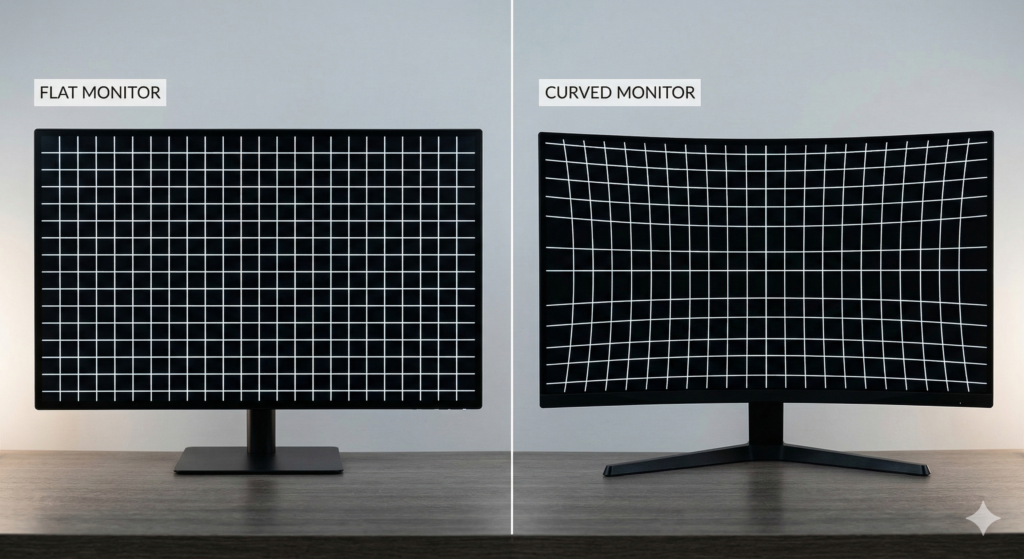
Aggressive curves like 1000R (seen in Samsung Odyssey models) subtly distort horizontal lines. When you draw support and resistance, your eyes compensate for curvature. That’s unnecessary cognitive load.
A straight trendline should look straight.
Professional Recommendation
✔ Use flat panels for primary charting
✔ If using curved, reserve it for secondary data (news feeds, chat apps, scanners)
Precision first. Immersion later.
Resolution: 4K Is Non-Negotiable in 2026
If you’re trading on 1080p in 2026, you’re handicapping yourself.
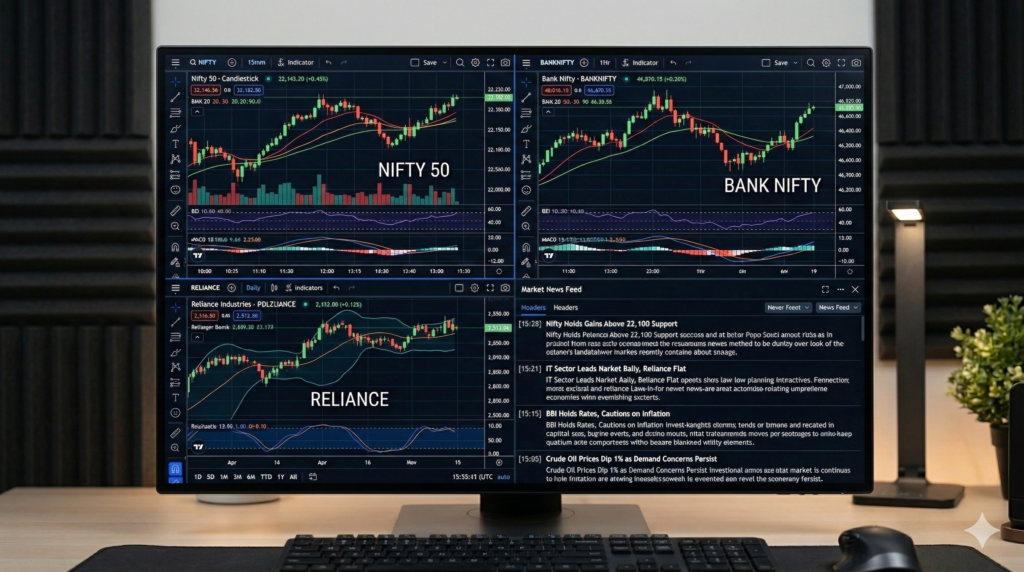
A 4K monitor provides four times the screen real estate of Full HD.
That means:
- 4 full charts without scaling issues
- Clear text at smaller sizes
- Sharper indicators
- Better multitasking
Ideal Size for 4K
| Screen Size | Verdict |
|---|---|
| 24-inch | Too dense, text becomes tiny |
| 27-inch | ✅ Sweet spot |
| 32-inch | Excellent for multi-chart layouts |
| 43-inch | Data wall setup |
Pro Move
Choose 27-inch or 32-inch 4K IPS panels.
This is where serious traders operate.
Refresh Rate: Stop Paying for 360Hz Marketing
Let’s be honest.
Your candle moves once per minute.
You don’t need 360Hz.
What Actually Matters
- 60Hz = acceptable minimum
- 120Hz = smooth and premium
- 144Hz+ = unnecessary for trading
Higher refresh rates increase cost without improving trading performance.
Spend that difference on:
- Better panel quality
- IPS Black technology
- Ergonomics
Your PnL will thank you.
IPS vs OLED: The 2026 Reality
OLED screens are beautiful. Deep blacks. Stunning contrast.
But here’s the problem:
Text fringing.
When you stare at tiny price numbers all day, OLED subpixel layouts can make text look slightly fuzzy or “hairy.”
For traders who read micro-fonts constantly, clarity > cinematic blacks.
Best Panel Choice in 2026
High-end IPS or IPS Black panels offer:
- Excellent color accuracy
- Better text rendering
- Less risk of burn-in
- More consistent brightness
For reference, you can explore display technologies at DisplaySpecifications to compare panel types in detail.
Why Professionals Prefer Business-Class Monitors
Gaming brands optimize for:
- Motion
- Contrast spikes
- Visual drama
Professional monitors optimize for:
- Text clarity
- Long-term comfort
- Uniform brightness
- Accurate color
There’s a difference.
When trading 8 hours daily, comfort is performance.
Best Trading Monitors 2026: My Zero-Regret Picks
1. The Command Center (Best Overall Setup)
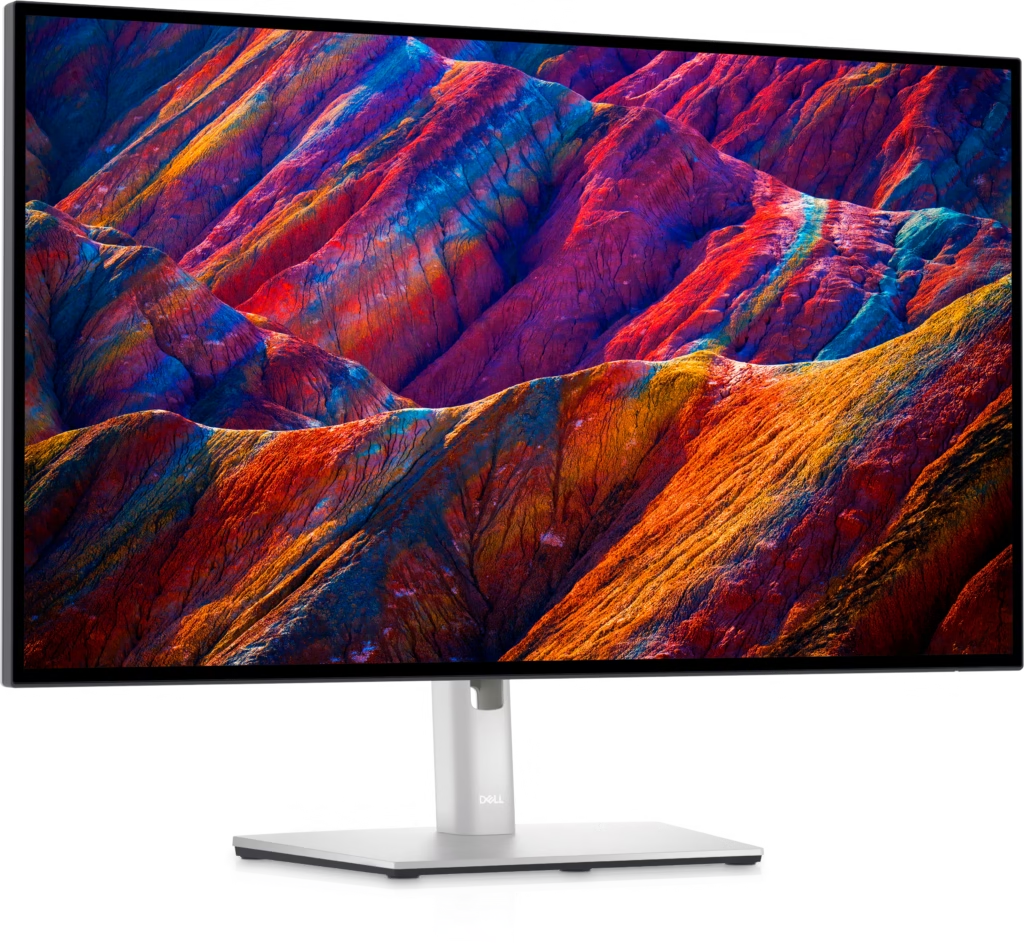
Dell UltraSharp U2723QE (Dual Setup)
Why:
- IPS Black technology
- Exceptional text clarity
- 4K resolution
- Professional build quality
One screen for execution.
One screen for analysis.
Clean. Efficient. Elite.
2. The Budget Genius
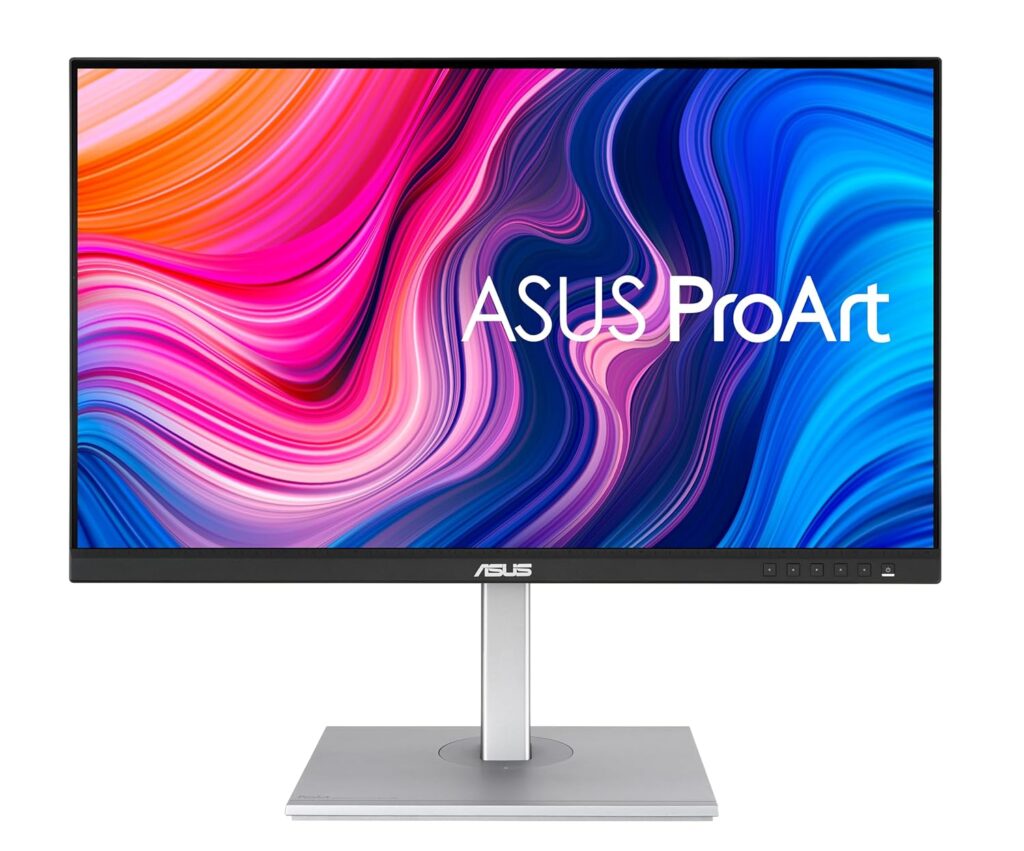
ASUS ProArt PA279CV
Why:
- Designed for color professionals
- Excellent sharpness
- More affordable
- USB-C connectivity
Perfect for traders upgrading from 1080p without overspending.
3. The Wall of Data
Dell U4323QE (43-inch 4K)
This isn’t a TV.
It behaves like four 21-inch 1080p screens merged into one seamless workspace.
Perfect for:
- Multi-pair forex tracking
- Options traders
- Crypto dashboards
No bezels. No cable chaos.
Ergonomics: The Hidden Performance Multiplier
Don’t ignore:
- Height adjustment
- Tilt & swivel
- Blue light filters
- Anti-glare coating
Neck pain reduces focus.
Eye strain reduces edge.
Your body is part of your trading system.
Trading Monitor Specs: Your Top Questions Answered
Is 4K necessary for trading?
Yes. It dramatically improves chart clarity and multitasking efficiency.
Is curved good for stock trading?
Not for primary charting. Flat screens provide geometric accuracy.
What size monitor is best for day trading?
27-inch 4K is the sweet spot for most traders.
Are gaming monitors bad for trading?
Not bad — just not optimized for long-term chart analysis.
Is 60Hz enough for trading?
Yes. 120Hz is smoother, but anything beyond that is unnecessary.
How many monitors do professional traders use?
Most use dual 27-inch 4K monitors or one large 43-inch display.